

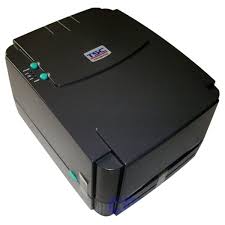


Most print quality complaints trace back to four things: print darkness, print speed, a dirty printhead, or a mismatch between ribbon and label.
Printing is too faint
- Raise the print darkness (heat) setting in the driver, a few steps at a time.
- Reduce the print speed. Slower printing transfers more energy per dot and darkens the result.
- On thermal transfer, confirm the ribbon type suits the label — wax ribbon on a synthetic label will always look weak.
- On direct thermal, confirm the media is loaded with the heat-sensitive side facing the printhead.
A white line runs down every label
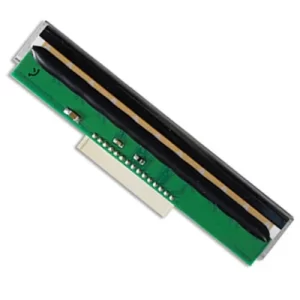
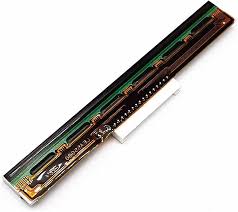
This is the classic sign of a failed printhead element or debris under the head.
- Switch the printer off and let the printhead cool.
- Clean the printhead with a lint-free swab and isopropyl alcohol. Never use a metal tool.
- Reprint. If the line persists in exactly the same position, the printhead has a burnt-out element and needs replacing.
Print smudges or scratches off
- Move up a ribbon grade — wax to wax/resin, or wax/resin to resin.
- Lower the print darkness slightly; over-heating can leave ink sitting on the surface.
- Confirm the label material is rated for the ribbon you are using.
Barcodes will not scan
- Print barcodes with bars running perpendicular to the print direction (“ladder” orientation) where possible — this survives element wear far better.
- Increase the narrow bar width if the barcode is very small; 203 dpi printers cannot resolve fine modules.
- Leave adequate quiet zones either side of the symbol.
- For dense or small symbols, use a 300 dpi printer rather than 203 dpi.
Routine maintenance
Clean the printhead and platen roller every time you change a label roll or ribbon. This single habit prevents most print quality faults and materially extends printhead life.