



If Your Barcode Is Not Scanning — Your Business Is Losing Money Daily
In modern Indian business environments, Excel Barcode Printing Automation is no longer optional — it is a necessity. If your barcode labels are not scanning, printing incorrectly, or requiring repeated adjustments, the issue is not just technical.
It is a direct operational and financial loss.
Across industries such as warehousing, pharmaceuticals, healthcare, manufacturing, and retail, thousands of businesses rely on Excel-based barcode printing. Initially, this seems cost-effective and simple. However, over time, Excel-based workflows begin to fail under operational pressure.
The result is a cascade of issues including misaligned labels, unreadable barcodes, repeated printing, wasted consumables, and human errors.
If you have encountered queries like:
- barcode printing from excel not working
- excel barcode printing problem
- barcode not scanning after printing
Then your system is already operating below efficiency.
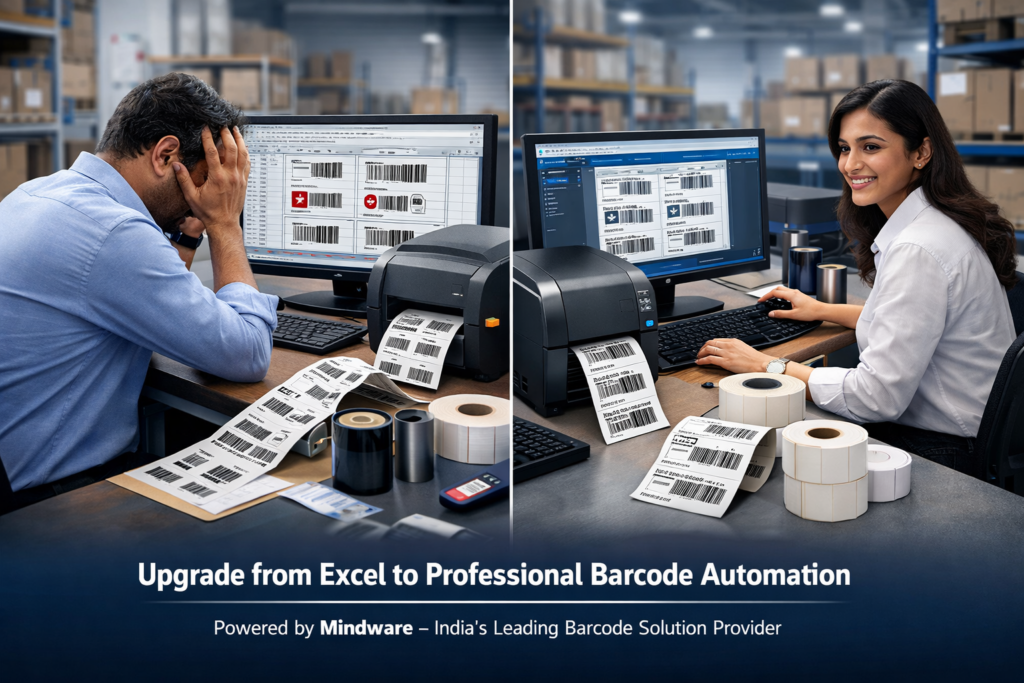
Why Excel Barcode Printing Fails
Fundamental Limitation
Microsoft Excel is a spreadsheet application. It is not designed for barcode generation, label formatting, or industrial printing workflows.
While it can be adapted using fonts, macros, or plugins, these are temporary solutions—not robust systems.
Serious businesses in India are now transitioning to professional barcode software like BarTender integrated with complete solutions from Mindware.
Deep Technical Analysis of Excel Barcode Failures
1. Absence of a Native Barcode Engine
Excel does not generate barcodes internally. Instead, it relies on external methods such as:
- Barcode fonts
- VBA scripting
- Third-party plugins
Key Problems
- Fonts break across systems
- Plugins become incompatible
- No checksum validation
- No error detection
Result:
A barcode may appear visually correct but fails during scanning.
2. Barcode Distortion Due to Formatting
Barcode accuracy depends on precise dimensions and encoding. Excel introduces variability through:
- Font scaling
- Column resizing
- Printer DPI mismatches
- Page margin shifts
Even a minor change can corrupt barcode structure.
Outcome: Scanner failure and operational delays
3. No Label Calibration or Template Control
Professional barcode printing requires:
- Exact label dimensions
- Controlled margins
- Printer calibration
Excel lacks:
- Label templates
- Calibration tools
- Print precision controls
Result:
- Misaligned prints
- Labels printing outside boundaries
- Entire sheets wasted
4. High Dependency on Manual Processes
Excel workflows are inherently manual:
- Data entry
- Copy-paste
- Formatting
- Printing
- Verification
- Reprinting
Each step introduces risk.
Impact:
- Increased human error
- Time consumption
- Operational inefficiency
5. No Automation Capability
Modern businesses require:
- Automatic print triggers
- Batch processing
- Real-time system integration
Excel cannot:
- Automate workflows
- Trigger print jobs
- Integrate with ERP systems effectively
This is the biggest limitation.
6. Printer Compatibility Issues
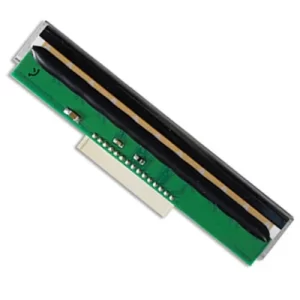
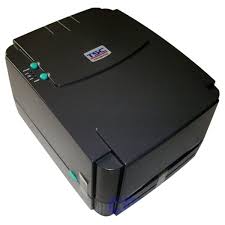
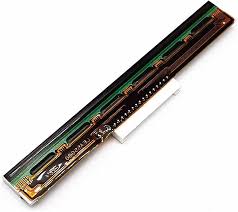
Excel is not optimized for thermal barcode printers such as:
- Zebra printers
- TSC industrial printers
- Thermal transfer printers
Issues include:
- Incorrect barcode density
- Poor print clarity
- Scanner incompatibility
7. Lack of Data Integration
Excel operates as a static system.
Modern business environments require:
- ERP integration
- Database connectivity
- Real-time data synchronization
Excel fails to meet these requirements.
Real Business Impact in India
These issues directly affect business performance.
Inventory Errors
Incorrect barcodes lead to incorrect stock tracking.
Shipment Mistakes
Wrong labels result in delivery errors.
Compliance Risks (Pharma & Healthcare)
Incorrect batch or expiry labels can lead to legal consequences.
Customer Trust Loss
Repeated operational errors reduce reliability.
Increased Operational Costs
More reprints = more expense.
Hidden Cost of Excel Barcode Printing
Many businesses assume Excel is cost-effective because it is “free.”
Reality Includes:
- Employee time cost
- Label wastage
- Ribbon wastage
- Printer wear and tear
- Rework and delays
The Real Solution: BarTender Barcode Automation
Professional barcode systems require dedicated software.
Why BarTender?
BarTender is an enterprise-grade barcode software designed for:
- Precision
- Automation
- Scalability
- Integration
Key Features of BarTender
1.Professional Barcode Generation
Supports all major symbologies:
- Code 128
- QR Codes
- EAN / UPC
- DataMatrix
Ensures 100% scannability
2.Advanced Label Design
- Exact dimensions
- Pixel-perfect alignment
- No distortion
3.Excel Integration Without Errors
- Direct database connection
- Automated data fetching
- No manual intervention
4.Full Automation
- Batch printing
- Scheduled jobs
- Workflow triggers
5.Industrial Printer Compatibility
Fully optimized for:
- Zebra
- TSC
- TVS
- Other thermal printers
6.Error Control Mechanism
- Duplicate prevention
- Data validation
- Format enforcement
Excel vs BarTender Comparison
| Feature | Excel | BarTender |
|---|---|---|
| Automation | No | Yes |
| Accuracy | Low | High |
| Speed | Slow | Fast |
| Error Rate | High | Minimal |
| Scalability | Limited | Unlimited |
Why Mindware is the Preferred Partner in India
Mindware (Indian Barcode Corporation) provides a complete barcode ecosystem, not just software.
End-to-End Solutions Offered
- BarTender software deployment
- Barcode printer supply
- Label manufacturing
- Ribbon supply
- Installation and configuration
- Staff training
- After-sales support
Key Advantage
Other vendors:
Only software
Mindware:
Complete integrated solution
Industry Use Cases
Healthcare
- Patient wristbands
- Sample tracking
Pharmaceuticals
- Batch labeling
- Expiry tracking
Logistics
- Shipping labels
- Warehouse tracking
Retail
- Product labeling
- Billing systems
ROI and Business Benefits
Time Efficiency
Manual Excel Process:
3–4 hours
BarTender Automation:
10–15 minutes
Accuracy Improvement
- Excel: Error-prone
- BarTender: Reliable
Scalability
- Excel: Limited growth
- BarTender: Enterprise-ready
Cost Savings
- Reduced wastage
- Lower manpower dependency
- Faster operations
Call to Action
Get a complete barcode automation solution
https://www.indianbarcode.com
✔ Software + Hardware + Consumables
✔ Installation + Training + Support
✔ Trusted across India
Frequently Asked Questions
Why is my barcode not scanning from Excel?
Because Excel does not validate barcode structure or maintain precise formatting required for scanning.
Which barcode software is best in India?
BarTender is widely recognized for reliability and enterprise use.
Can BarTender integrate with Excel?
Yes, it connects directly and automates data handling without manual errors.
Is BarTender better than free tools?
Yes, it offers professional-grade accuracy, automation, and scalability.
How can I automate barcode printing?
By implementing BarTender with a complete setup from Mindware.
Conclusion
Excel is not a barcode solution—it is a temporary workaround.
For professional operations, businesses require:
- Automation
- Accuracy
- Scalability
The correct approach is implementing BarTender with a complete solution from Mindware